
Hey guys, Spotted Dragon here! Long time no post! I’ll hold off on the whole sorry, school, work, life, etc. speech. Let’s just get right to it. 😛
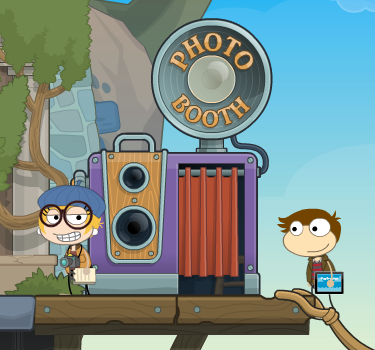
Well, the Creators just added a cool new feature to the game, specifically on Home Island. What is this great new feature you ask? The title of this post says it all: a photo booth! Upon visiting the island, you can find the photo booth next to the Shop. Thanks to Ultimate iPad Expert for the all the pictures!
Once inside, you will be greeted by a panel of buttons on the left of your screen. They are all labeled in the picture below.
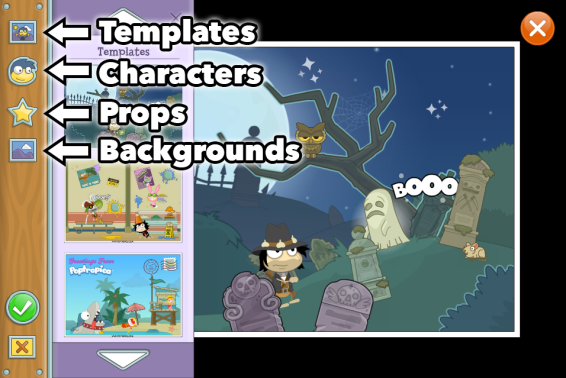
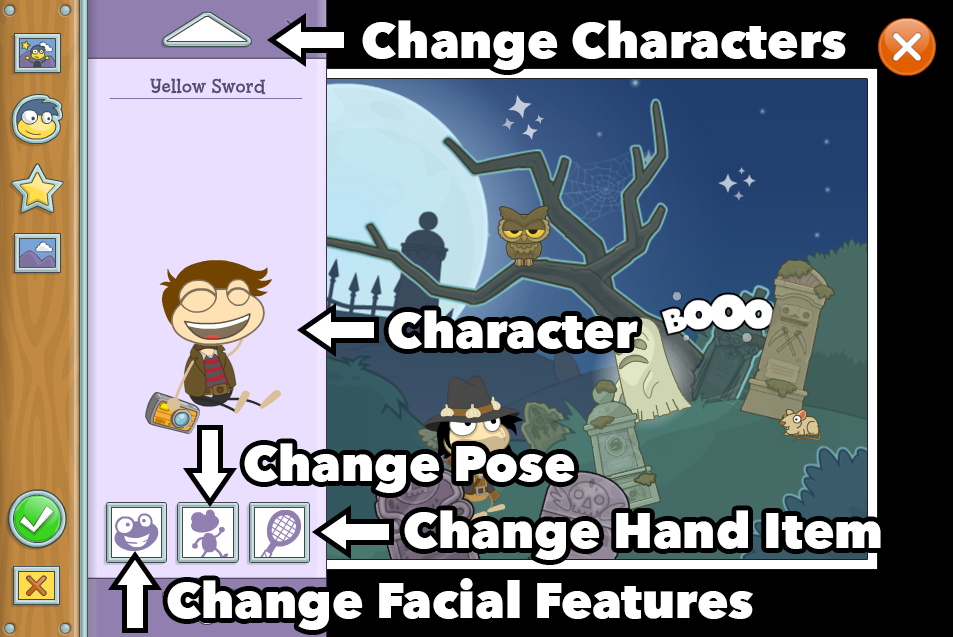
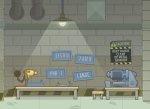
The best part about the photo booth is that you can change the entire scene all on your own, including the characters, props, backgrounds, and more! You can either start from scratch, or edit a pre-made template.
And don’t worry… the photo booth is available for everyone! So what are you waiting for? Go to Poptropica now to try it out for yourself. It’s right on Main Street of Home Island (also called Hub or Tutorial Island).
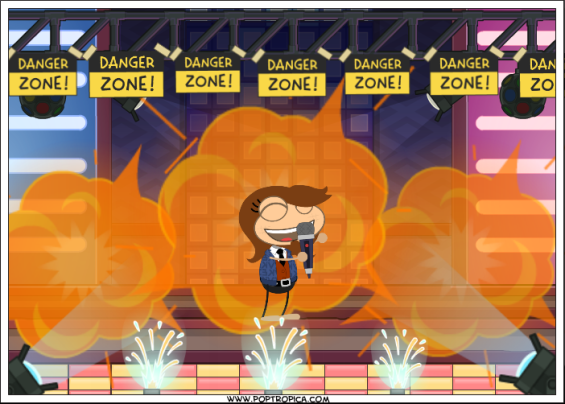
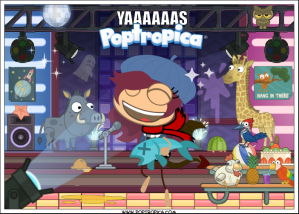
Yeah, this is me showing off my mixtape (which is on fire btw). Other than my amazing photo, check out other creations from some of the other PHB authors below!
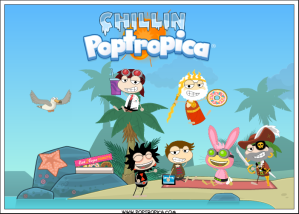
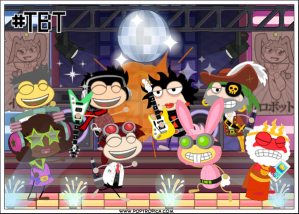

I don’t know about you guys, but I really liked this update. However it’s still new, so I hope more tools get added, such as being able to add your friends to the picture, an undo button (although the trash button works well for deleting props), a way to add unique text, etc.
So what do you think about the photo booth? Share your thoughts (and pics!) below!
~SD











 🏝️ Poptropica Help Blog 🗺️