
Hey Poptropicans, I’d like to introduce you to some new friends…
Previously, we reported on the “Pick a Character” feature in Poptropica’s HAXE Javascript build. But we hadn’t mentioned that each of these guys have their own names—and now, their own poses! Meet the gang:
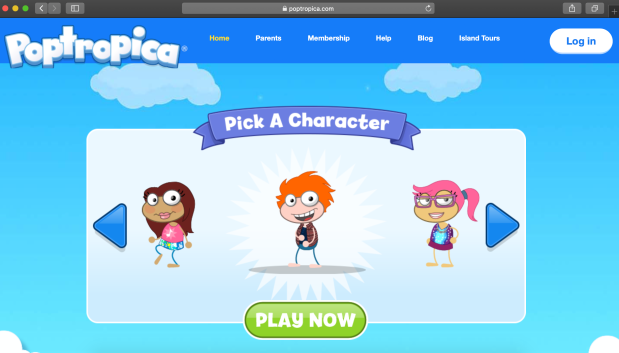
“Wild Fire” on the new “Pick a Character” screen 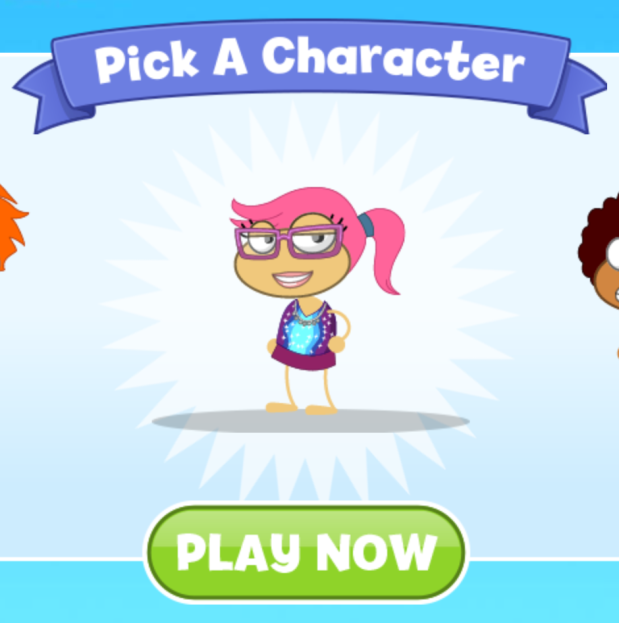
“Pink Crush” 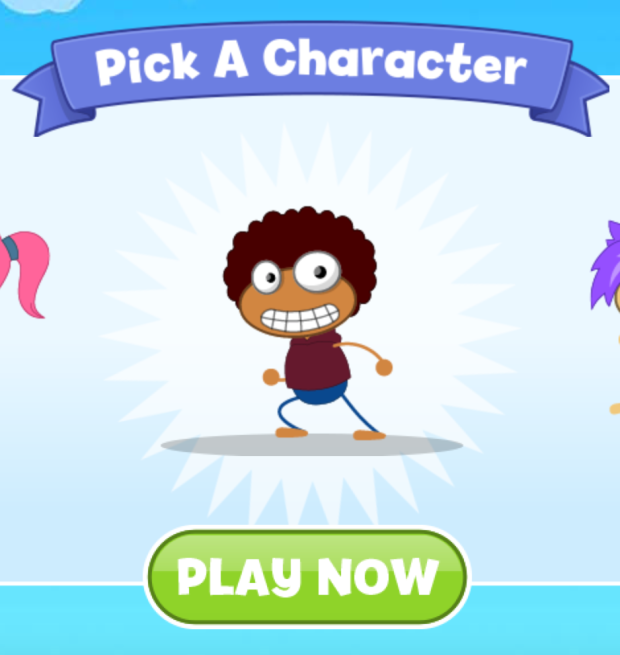
“Got Game” 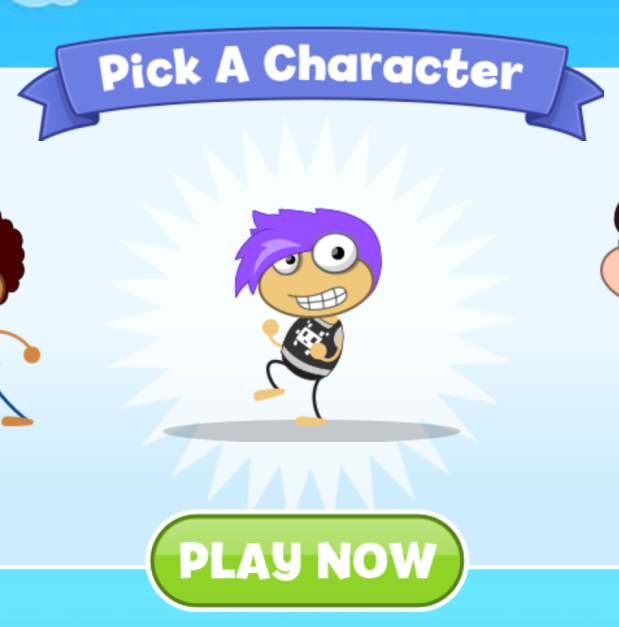
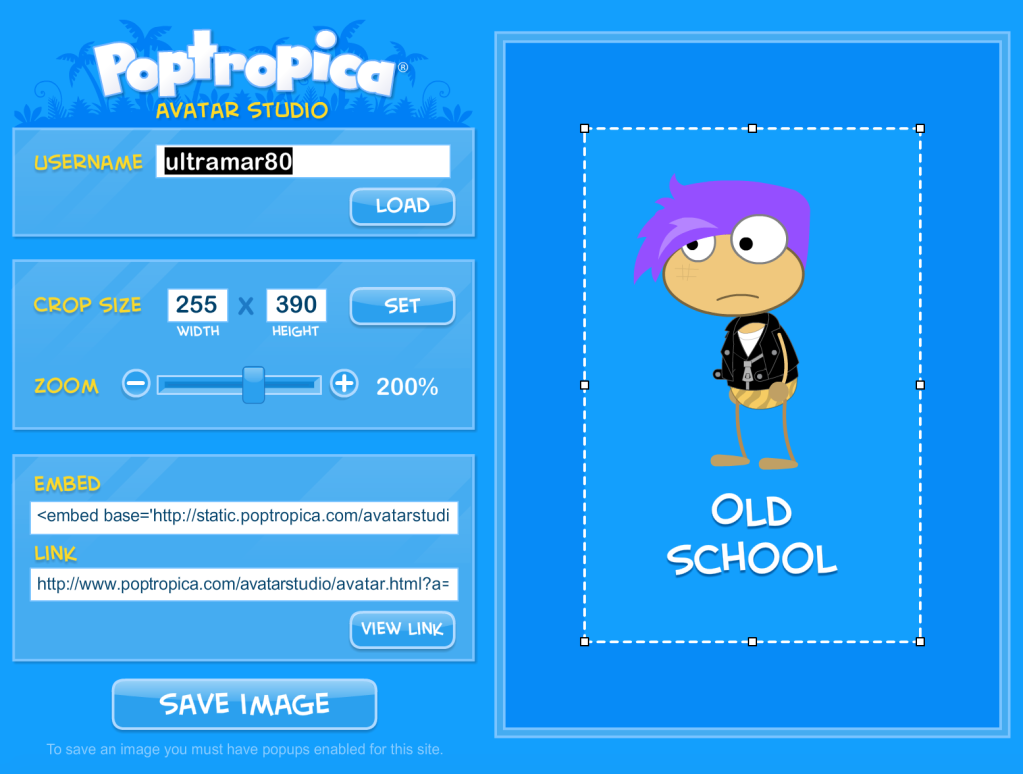
“Old School” 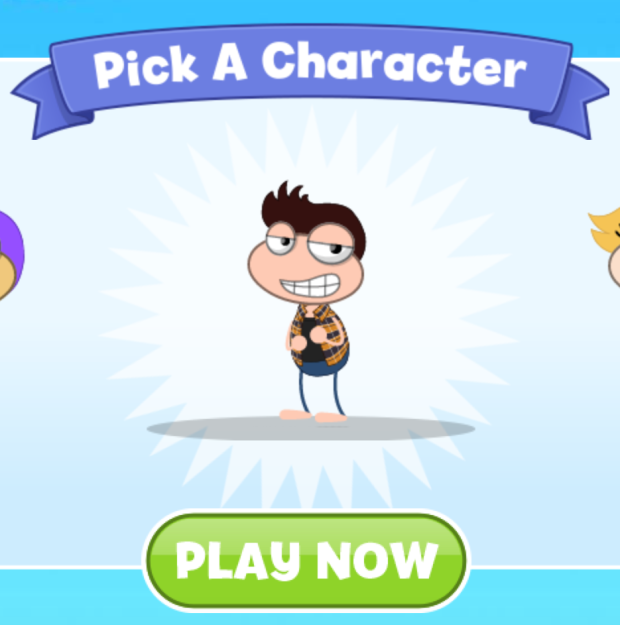
“Cool Slice” 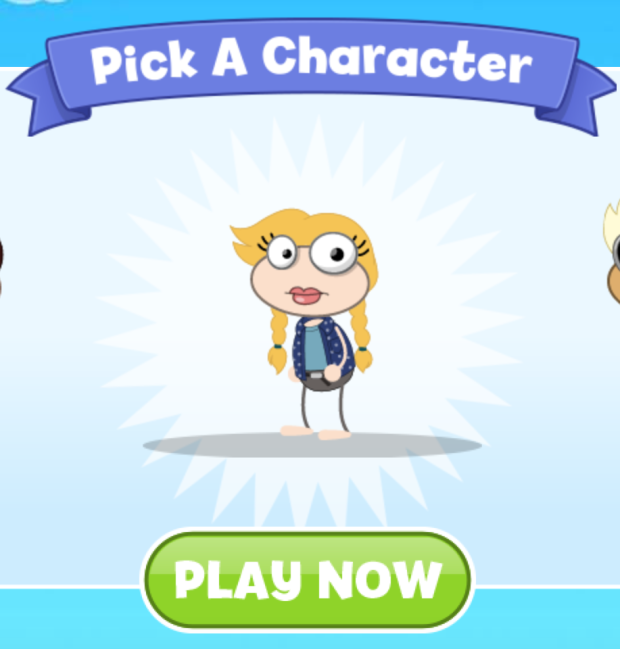
“Girl Power” 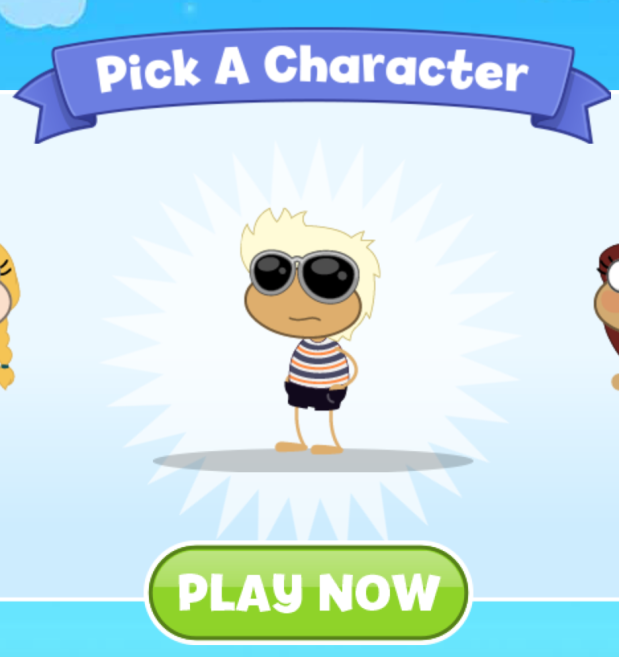
“Fast Ride” 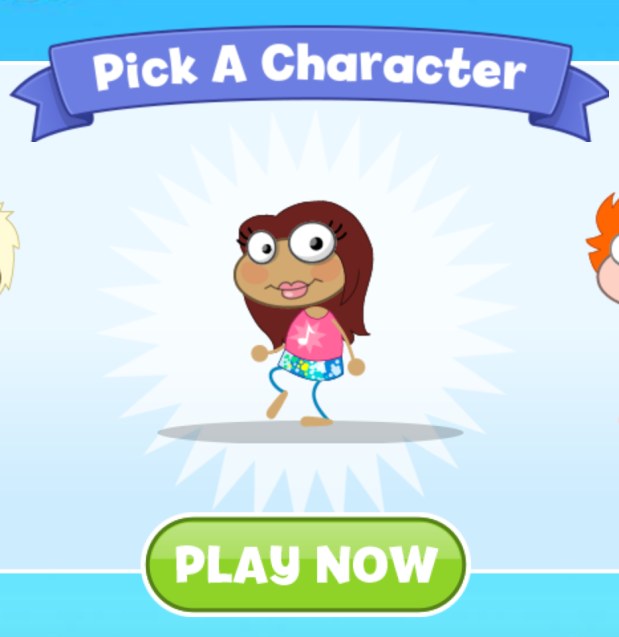
“Love Star”
(Thanks to PHB reader Perfect Fish for the tip.)
Wild Fire, who shares a name with a Poptropolis Games tribe, is rocking a big puff of orange hair. Beside him is Pink Crush, with the pink ponytail. Then there’s Got Game, who’s got a big afro and a big smile, and Old School, who’s dancing with a tuft of swishy purple hair over their eyes.
Cool Slice is out here flexing a snazzy plaid overshirt, and Girl Power is just staring defiantly, daring you to challenge her. Finally, there’s Fast Ride with the shades, and happy-go-lucky Love Star with the slight blush.
You can’t see these names from the character selection screen—which as we mentioned last time, no longer allows you to pick a name—but you can find them on the Avatar Studio (which may soon be obsolete, as it requires Flash) when you save a HAXE Javascript character and look up their username.
PHB reader Perfect Fish also reported seeing the URL change depending on the character picked, like so: poptropica.com/haxe/master-minified-200421-1657/?npc_name=FastRide (and “FastRide” is replaceable with any of the other aforementioned names, no spaces). You can also enter these URLs in your web browser to go directly to playing with certain characters.
And by the way, you might find that the “pick a character” screen now dominates the Poptropica.com homepage. (For me, it showed up on one web browser but not another.) Goodbye, “play for free” button!
All these bizarre yet seemingly permanent names, and now the added poses on these stock characters and URL integration, raises the question: are these pre-named, pre-designed characters here to stay?
On that idea, we’re ambivalent. Despite all the swagger these characters carry, this new feature takes away a key aspect of making a Poptropican one’s own: the naming. At the same time, though, it is convenient (especially for new players) to just be able to pick and play, and once you’re in the game, you’ll have options to customize your character the way you like it.
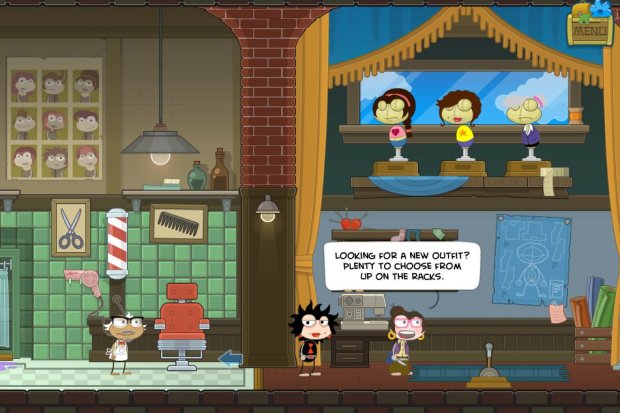
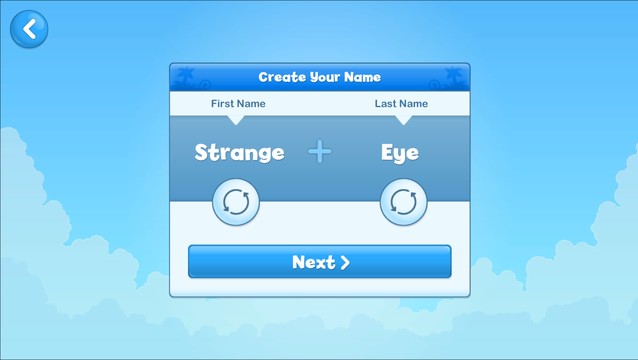
Since Poptropica on HAXE doesn’t have the friends feature yet, and Flash is making the Avatar Studio obsolete, we may be entering a time where Poptropicans’ names are inconsequential. But for us nostalgic older players, picking the perfect name for our Poptropicans among a list of strange but familiar nouns and adjectives was part of the fun. And if the names are going to show up anywhere (like the friends feature, if it comes to HAXE), having only a handful of possible names is going to be a little awkward.
Right now, if you want to create a character with more freedom in the naming process, there are a couple of options. You can try the Custom Name Genie from our Glitching page, which lets you make a character with just about any name you like. Or you can create one on Poptropica Worlds, which still lets you pick from a randomized list like old times. (Update: There’s a third option—you can still pick a name on the mobile app.)
That’s the latest in Poptropica’s post-Flash development. Share your thoughts in the comments—about your favorite HAXE character, the story behind your Poptropican’s name, or your conspiracy theory on why Poptropica seems to be foregoing player names. Or just petition to bring them back.
Till next time, keep on popping on, Poptropicans!
~/🐠
 🏝️ Poptropica Help Blog 🗺️